
Favorites
My favorite channels
Pin your channels and they move ahead of all the others.
The CTV+ app
The player that brings the channels, movies and series from your subscription together on the big screen. CTV+ doesn’t provide any channels or content.
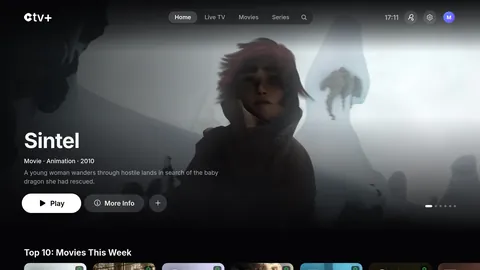
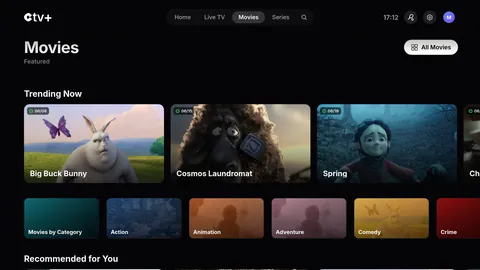
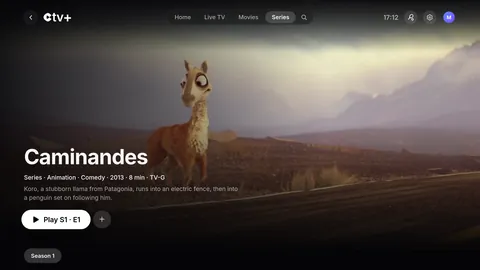
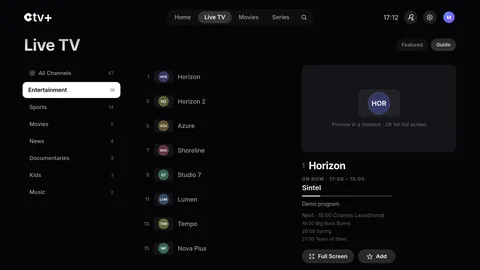
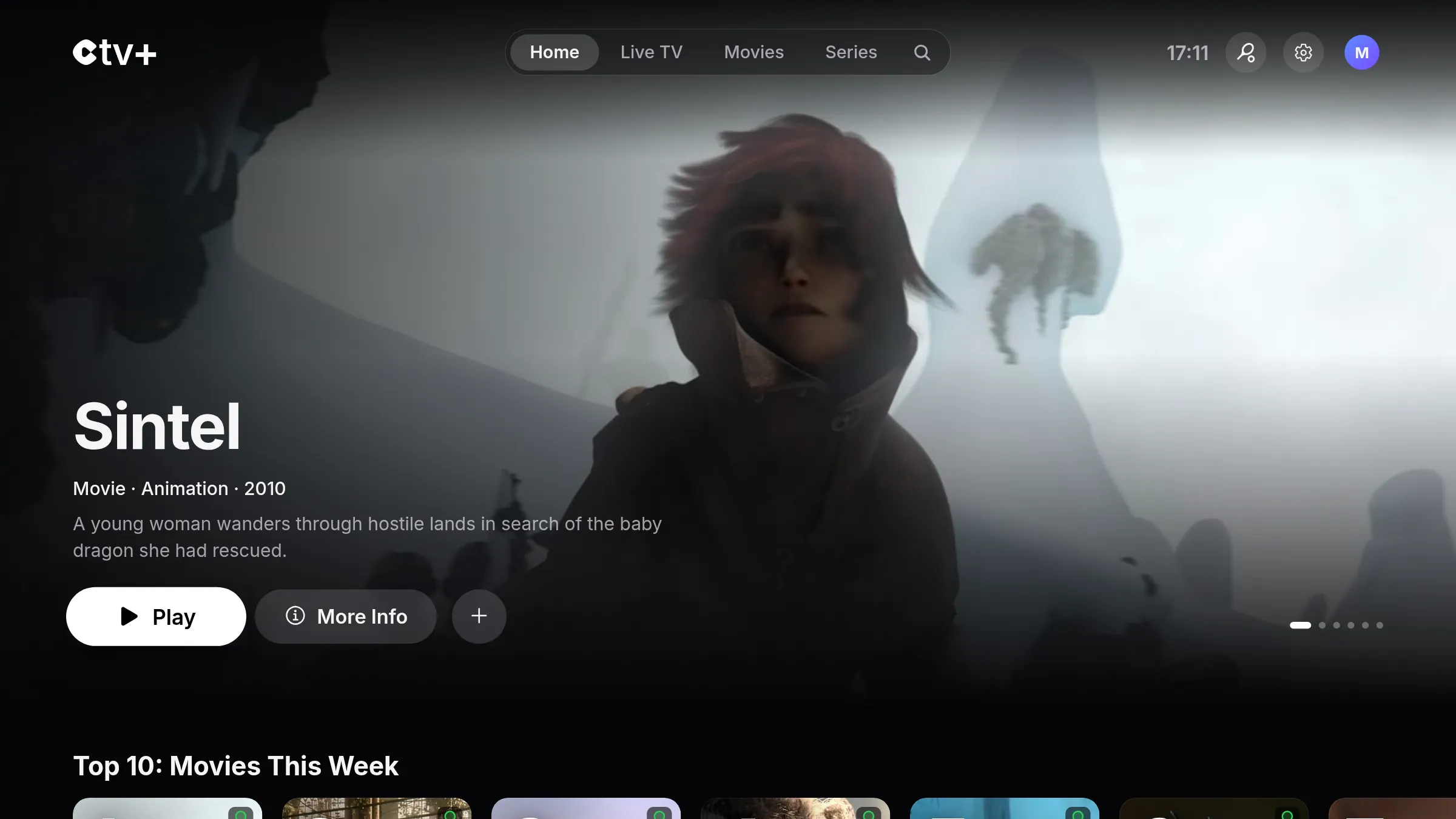
Real screenshots of the app, featuring open-licensed (CC BY) movies from the Blender Foundation.
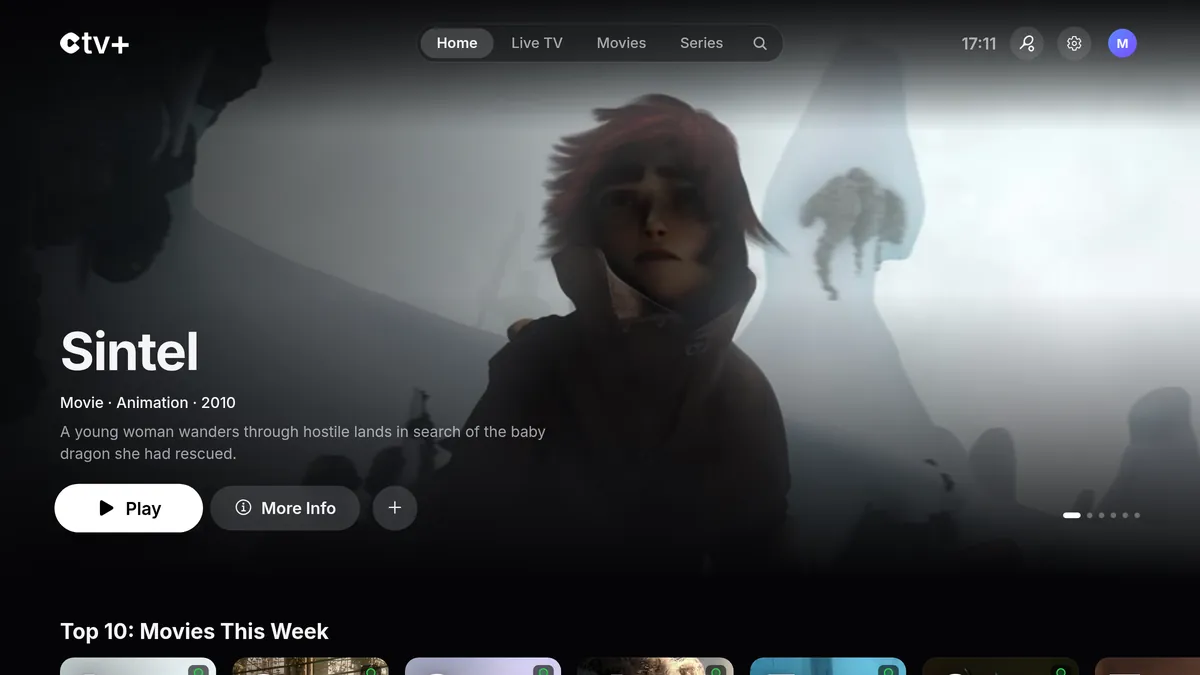

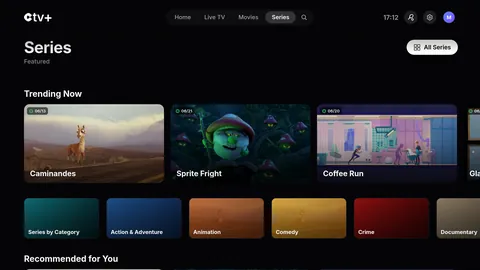
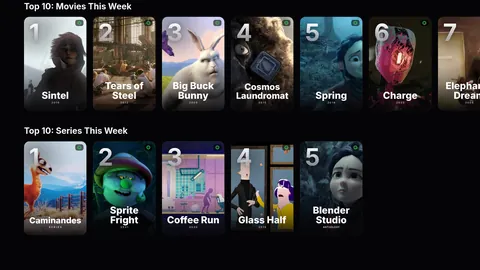
CTV+ dresses up your catalog with posters, synopses and trailers. The weekly Top 10 tells you what to watch next.
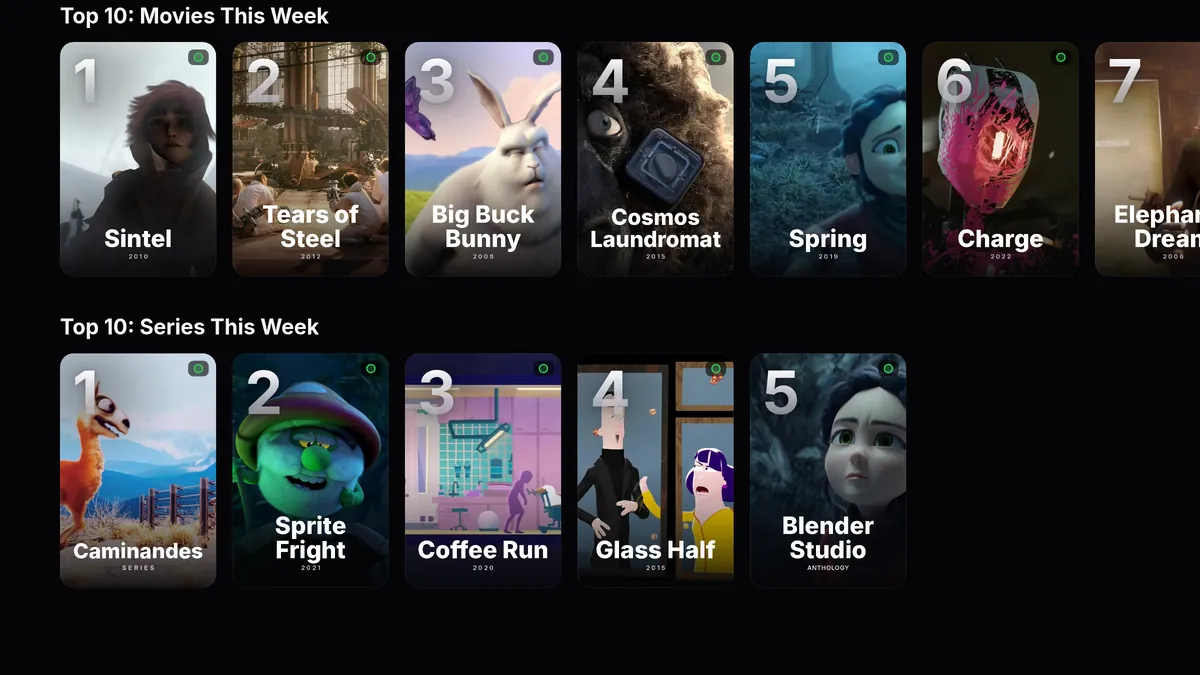
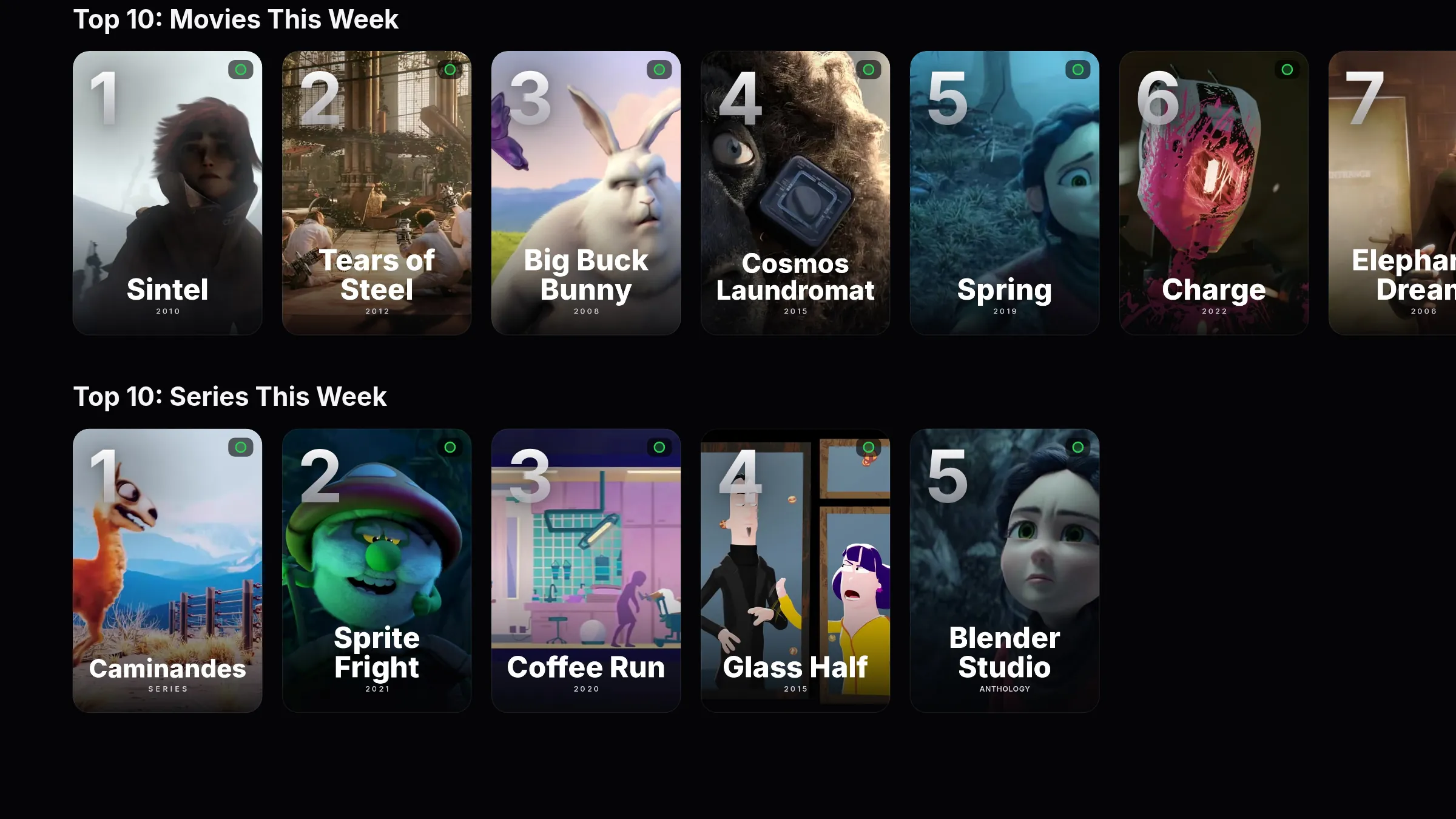
Top 10. The week’s Top 10 movies and series, and which ones are in your subscription.
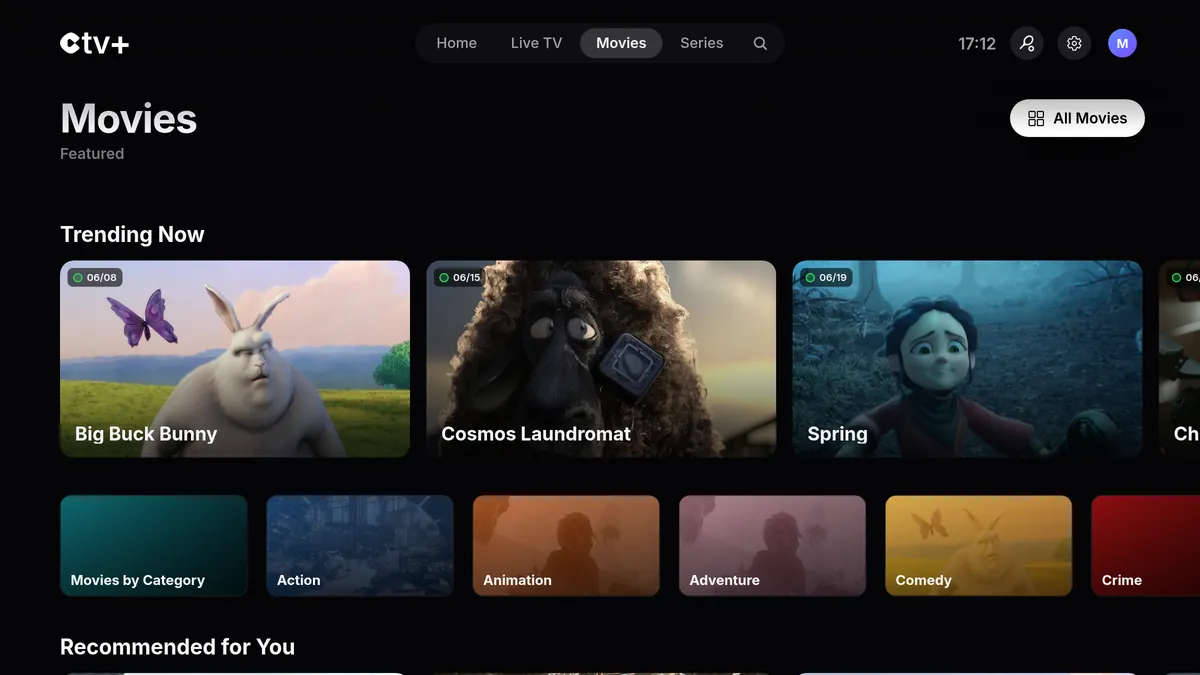
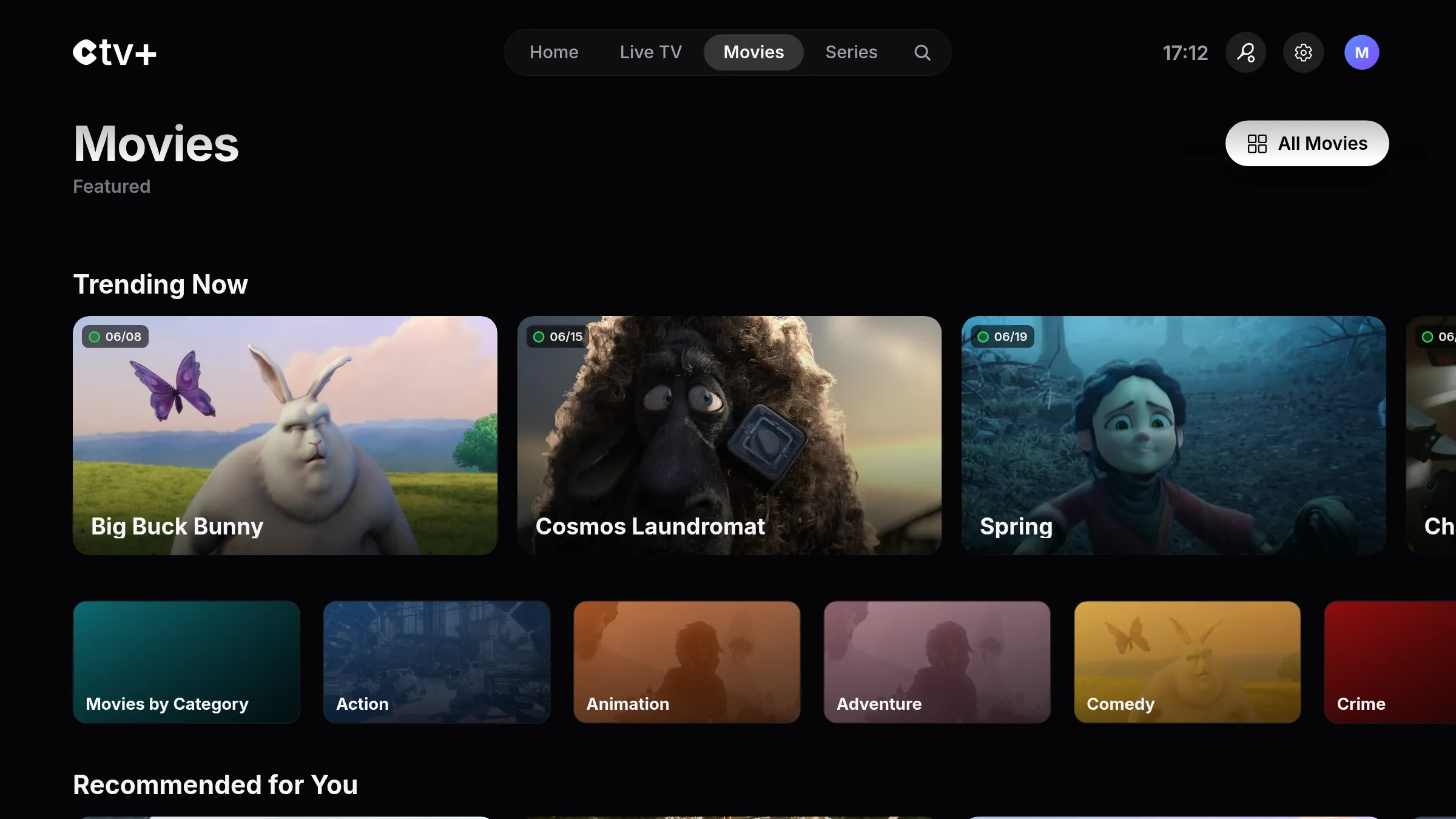
Movies. The movies in your subscription, sorted by genre, with the date they were added.
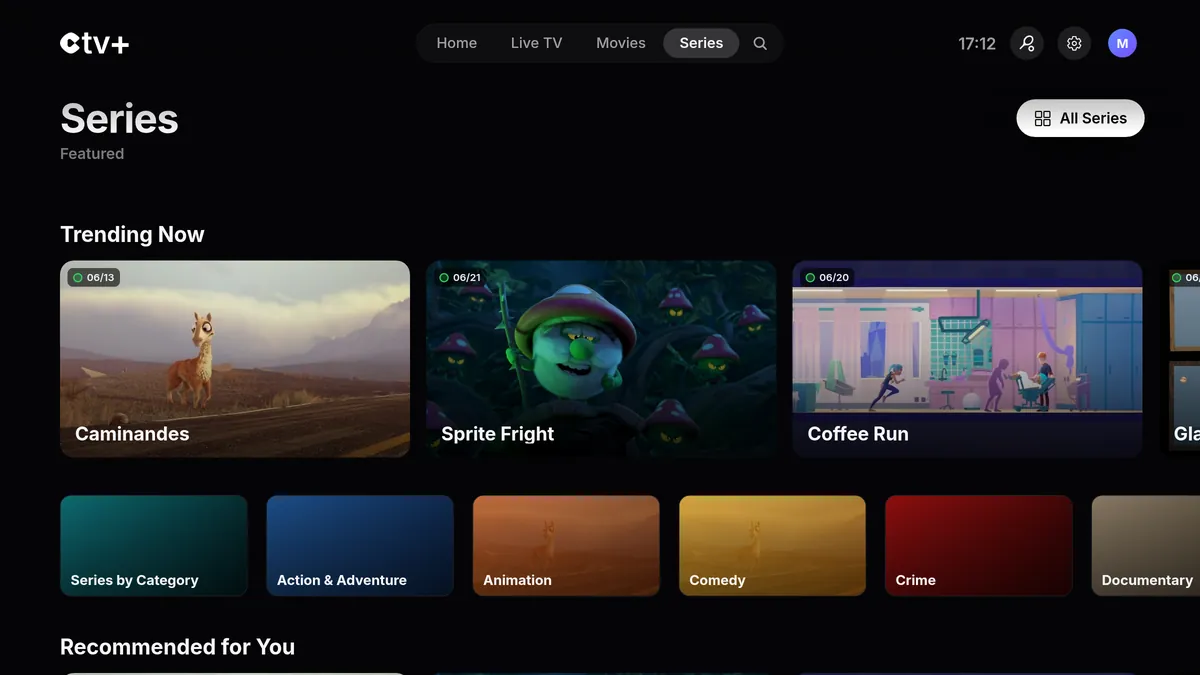
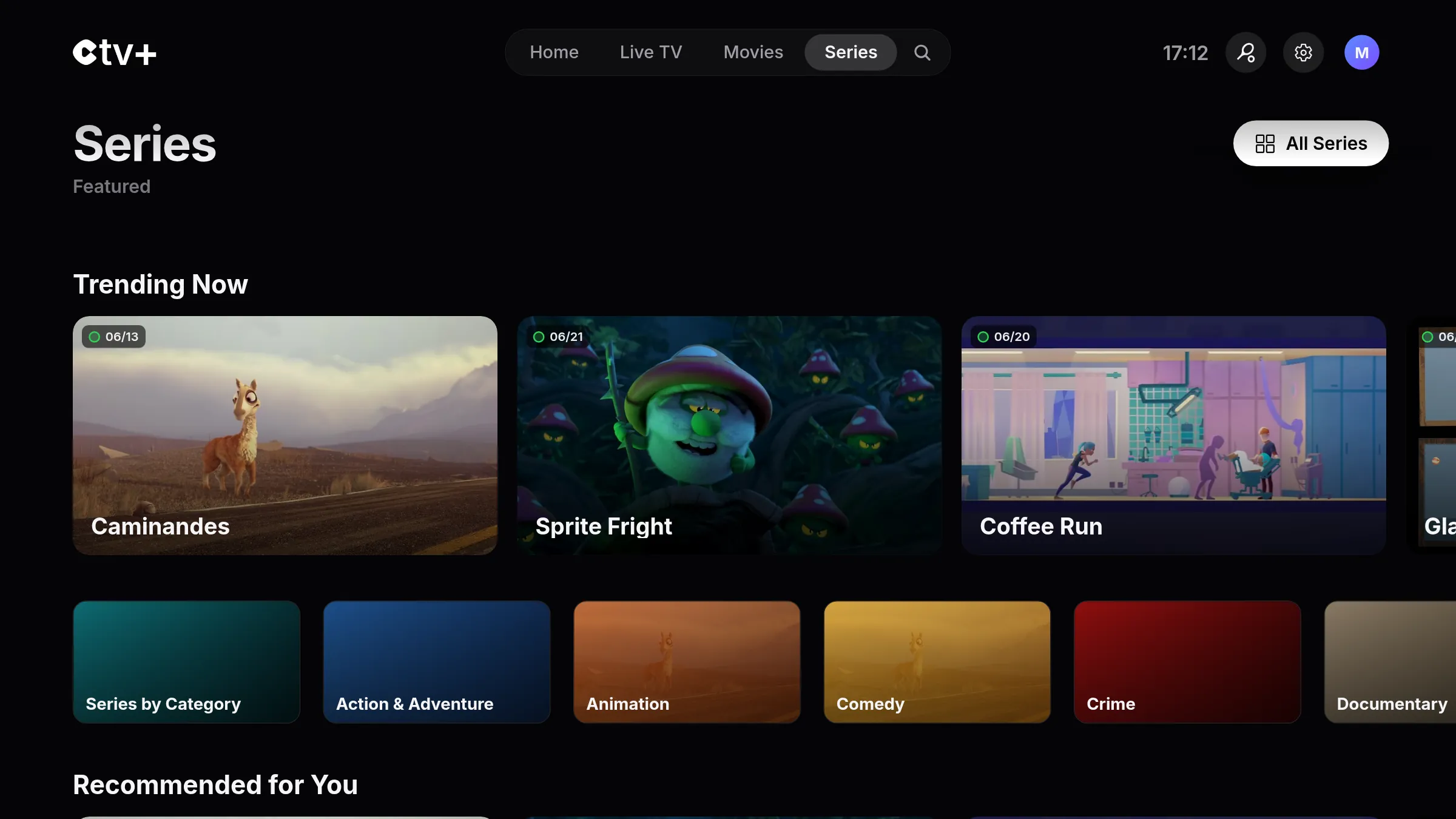
Series. Every series, plus the new episodes of the ones you follow.
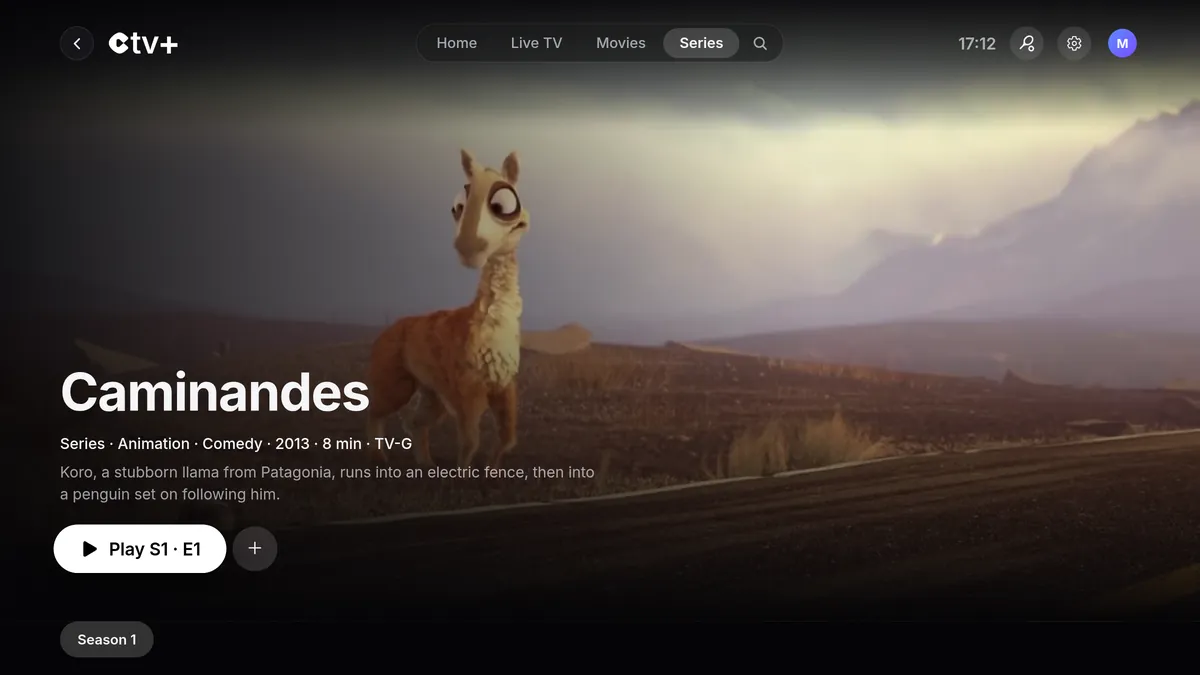
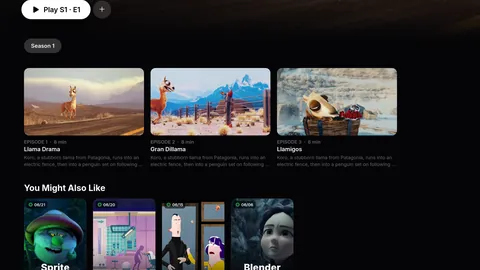
Title pages. Every title gets its own page: synopsis, seasons, episodes and trailers.
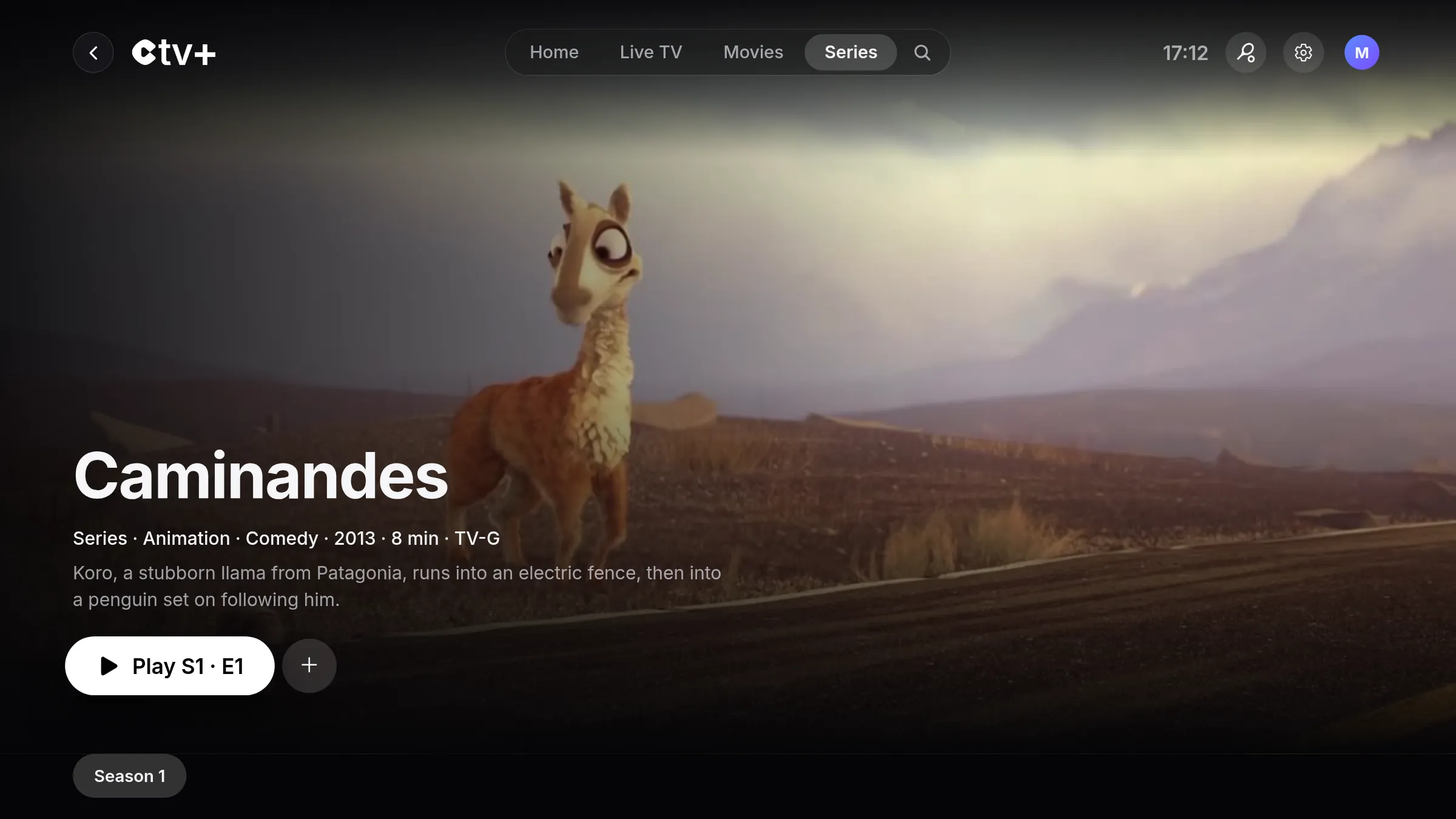
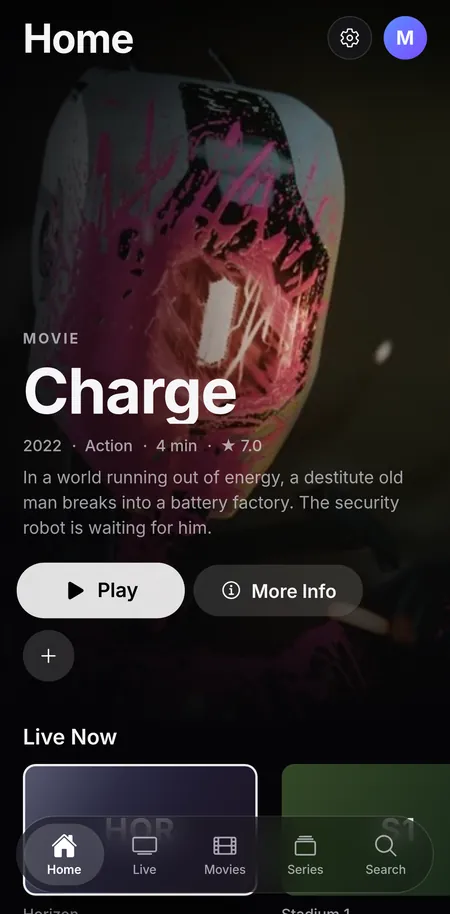
On iPhone and Android, it’s the same app, designed for one hand. Scroll through it, one screen at a time.
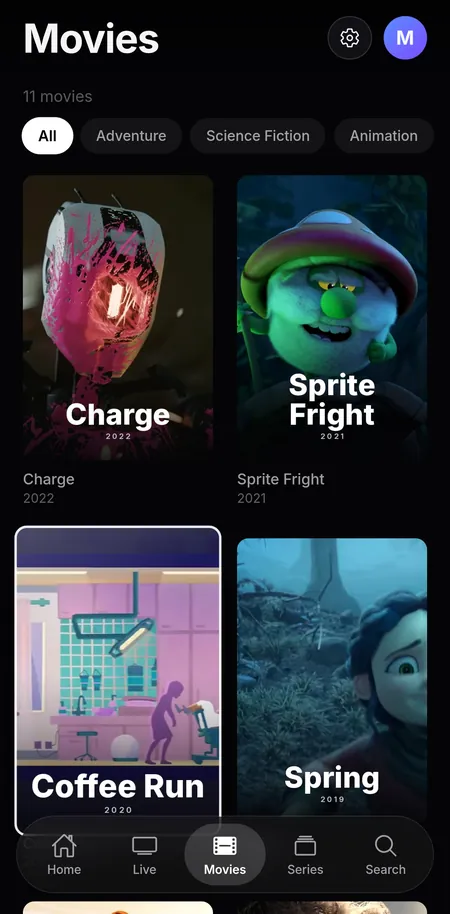
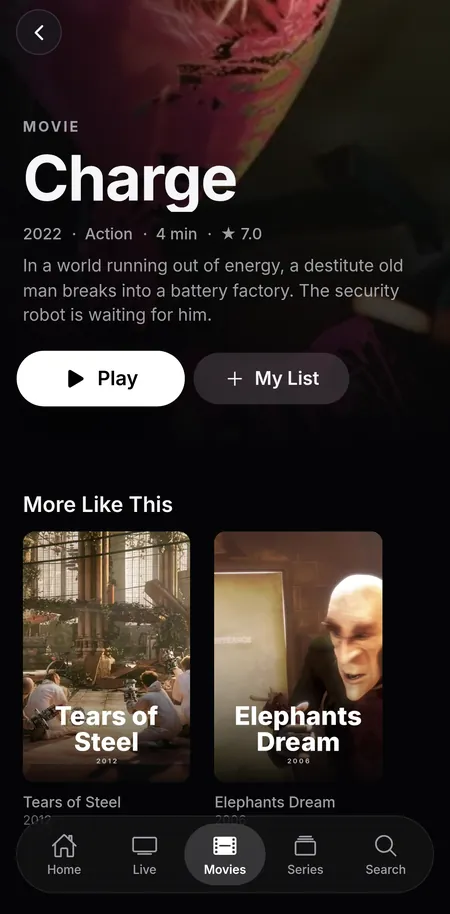
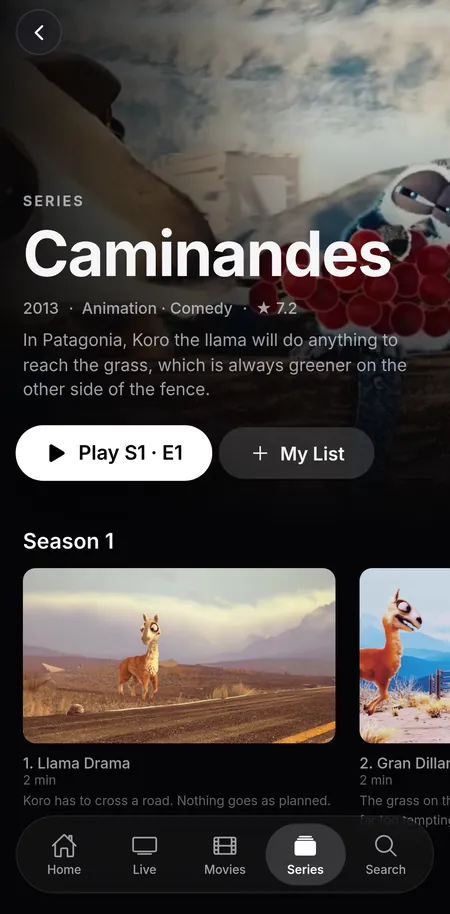
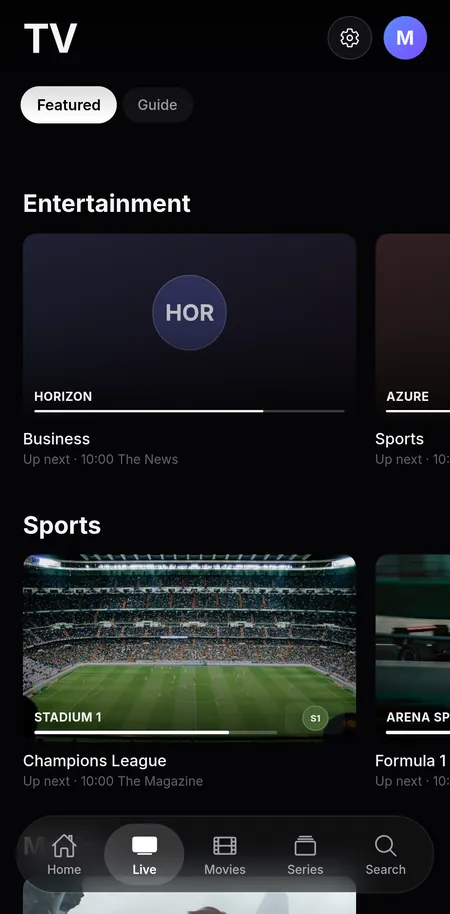
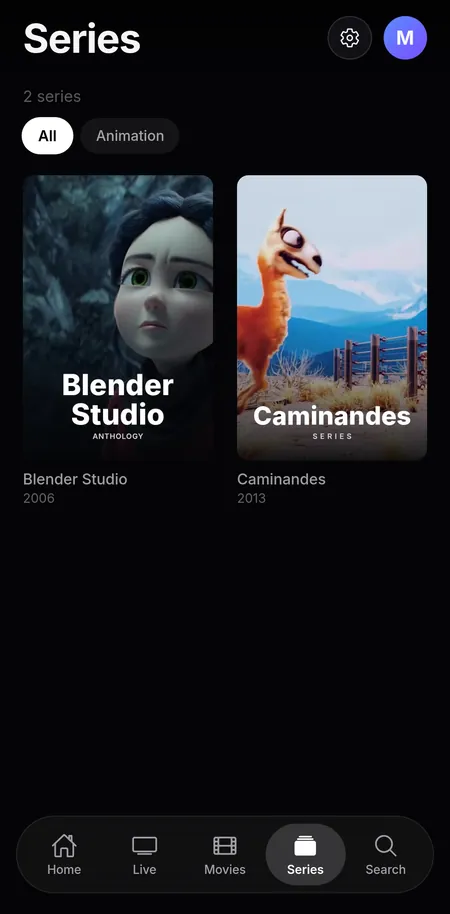
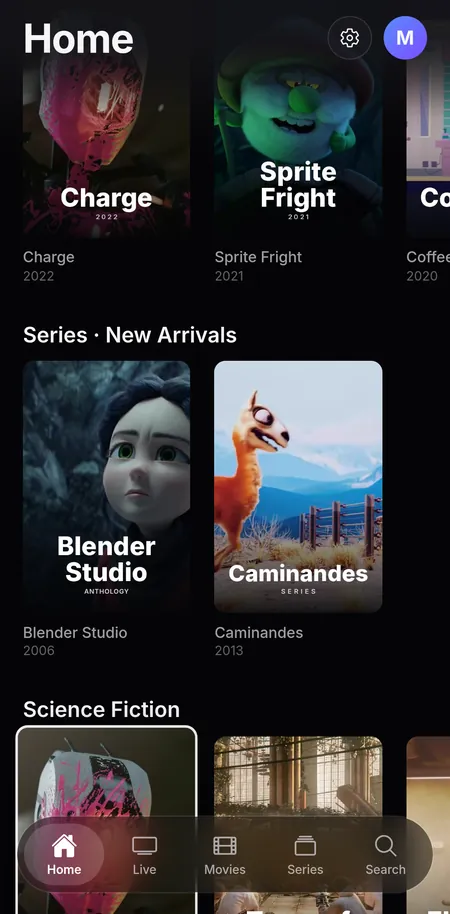
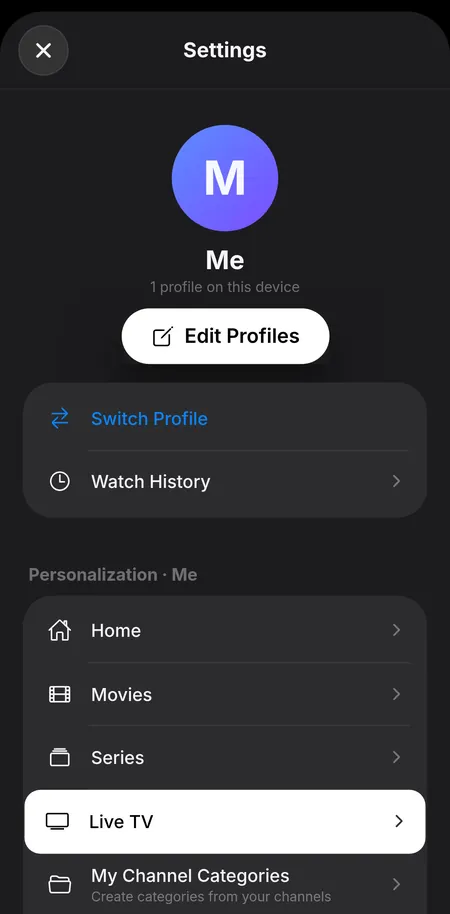
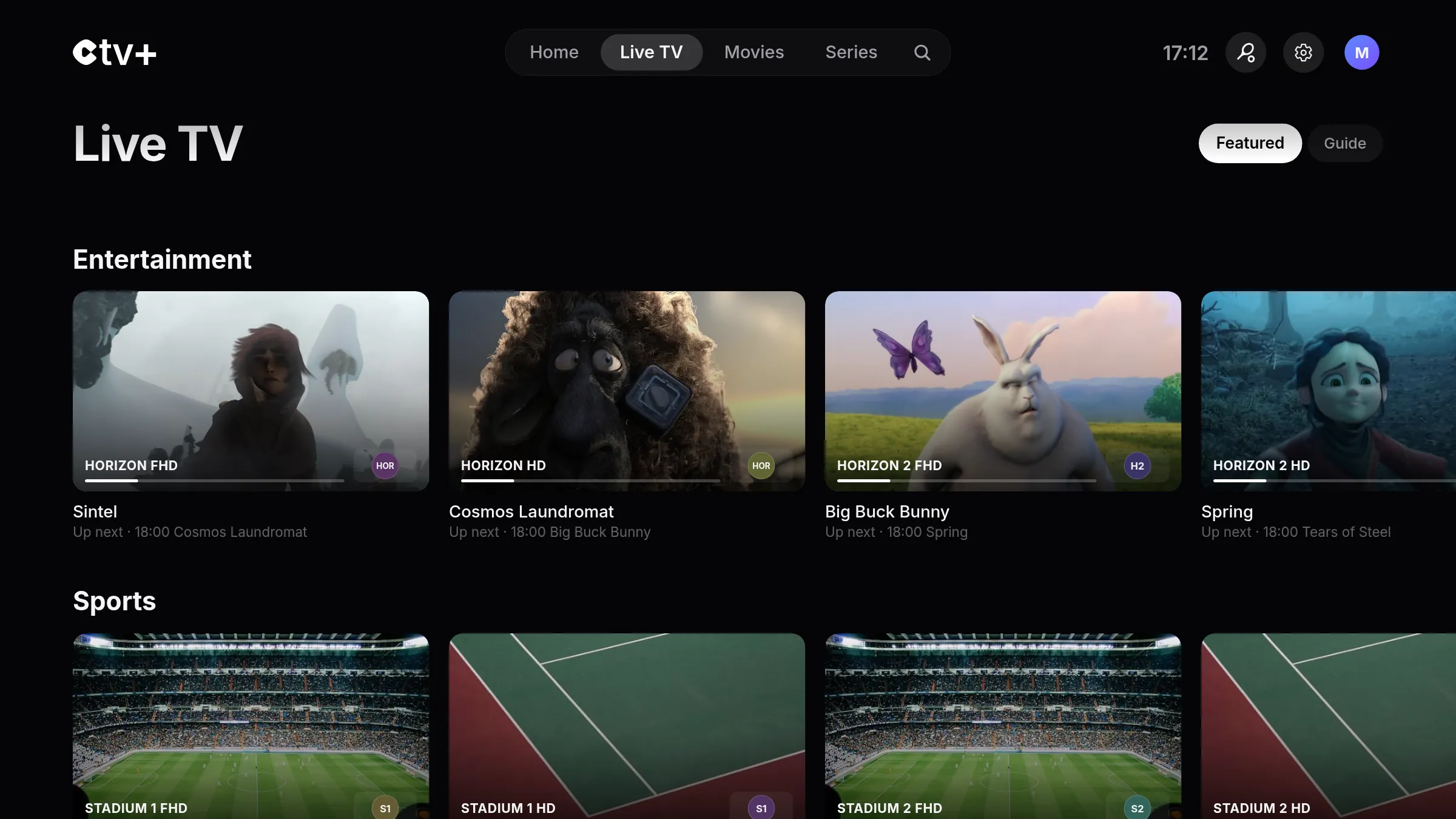
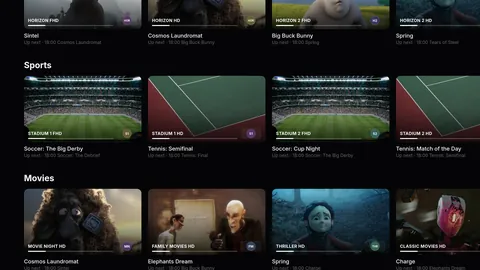
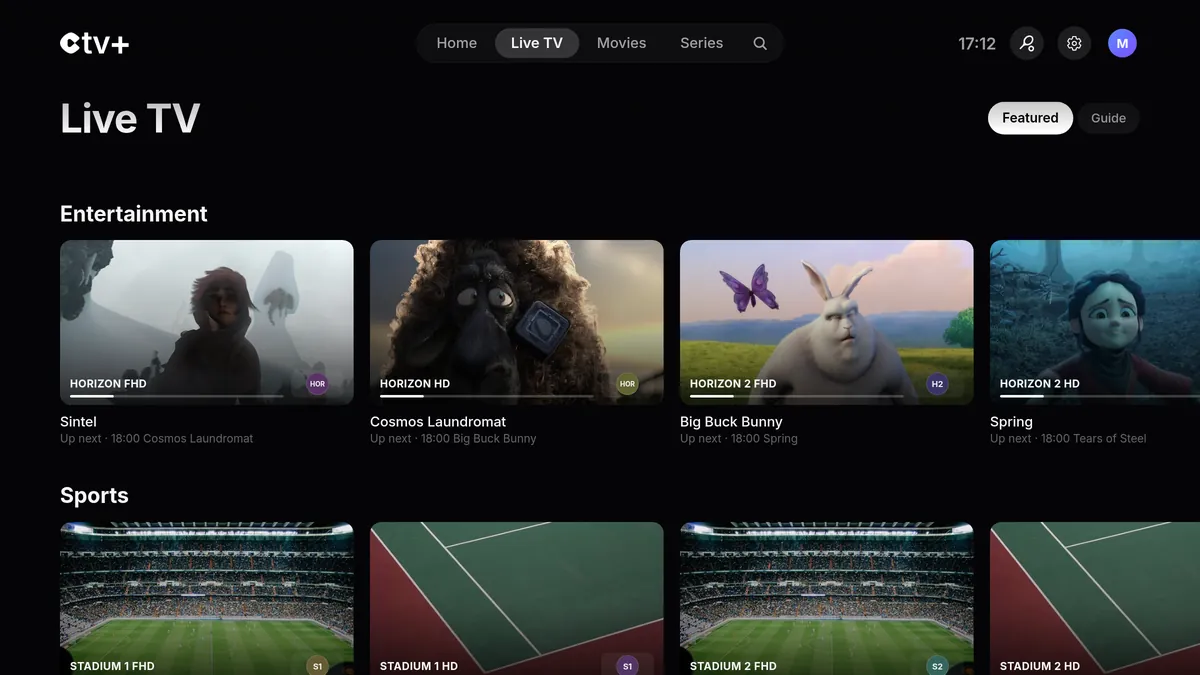
Duplicate channels are merged and the best quality plays automatically. All that’s left is to flip through your channels.


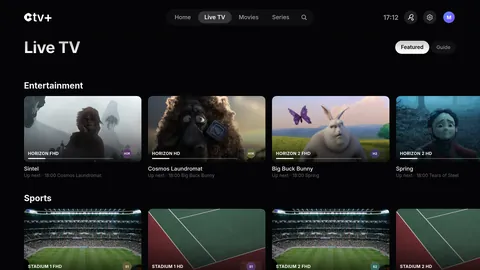
All sports. Live and upcoming games, sorted by time, with the channel that’s showing them.
Must-see tonight. The evening’s shows on your channels, picked out for you.
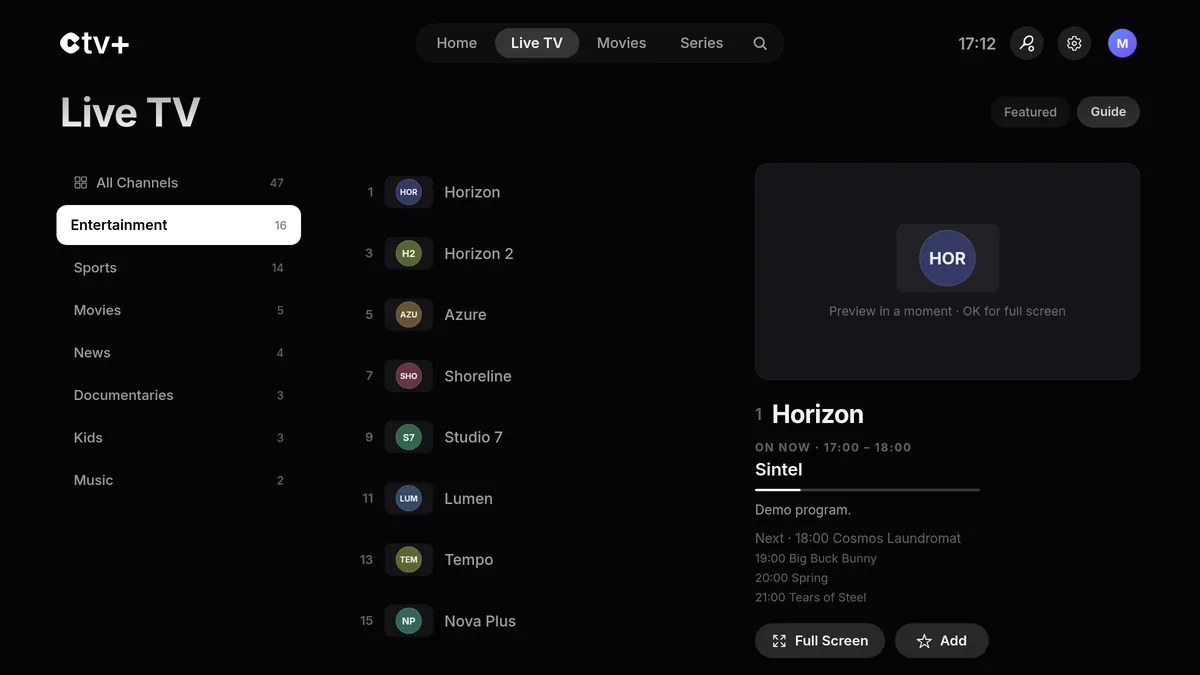
TV guide. The full lineup: what’s on now and what’s next, channel by channel.
Favorites
Pin your channels and they move ahead of all the others.
Categories
Entertainment, sports, movies, news, kids: everything is sorted automatically.
Channel surfing
Press up or down on the remote to change channels without leaving full screen.
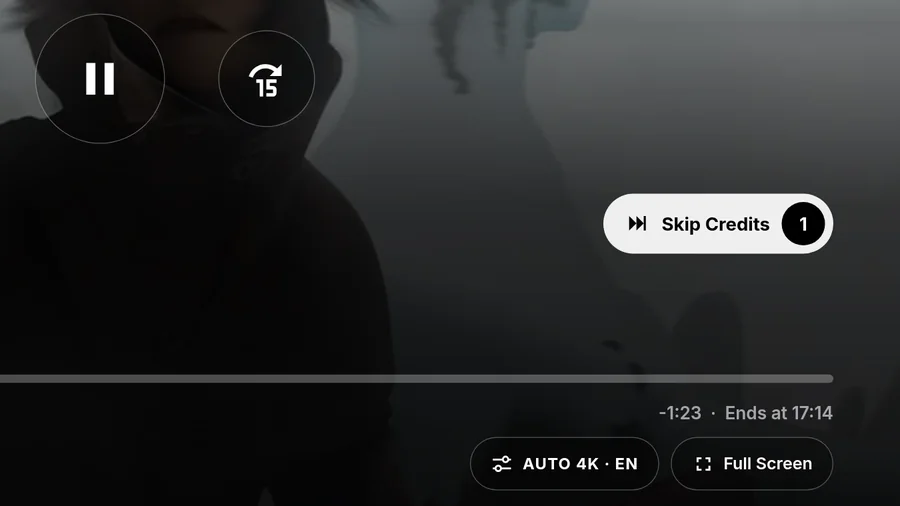

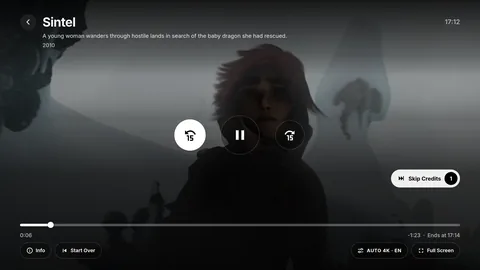
Opening credits and recaps skip themselves after a 5-second countdown. At the end of an episode, the next one starts right away.
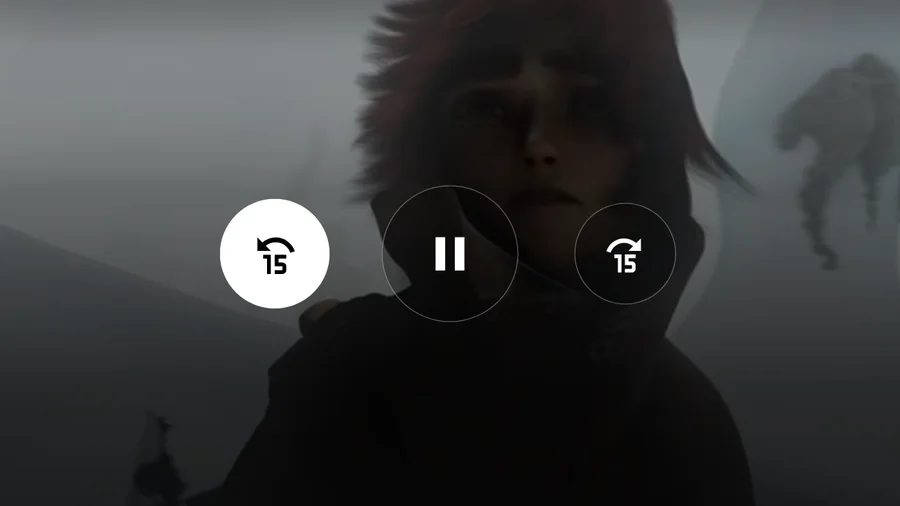
Hold the arrow on your remote and the jump grows to 30 seconds, then 1 minute, then 2.
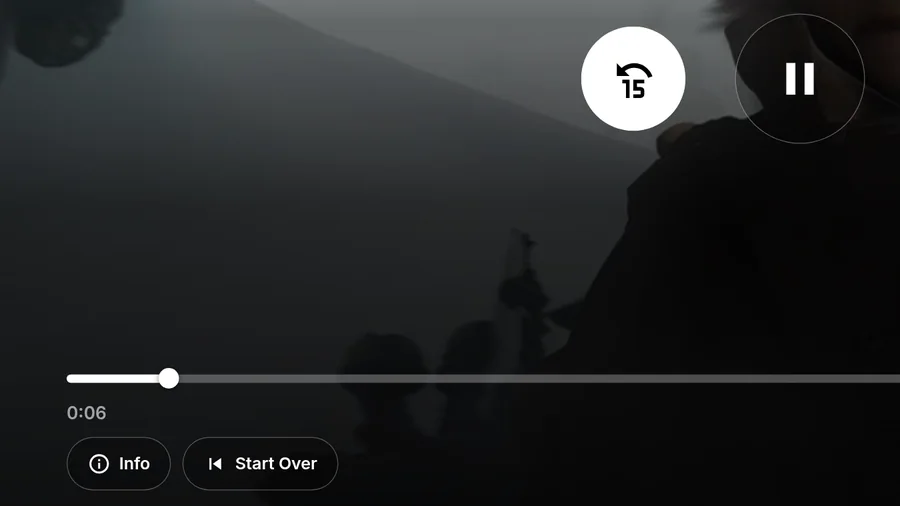
Each profile picks up the movie or episode exactly where it left off.
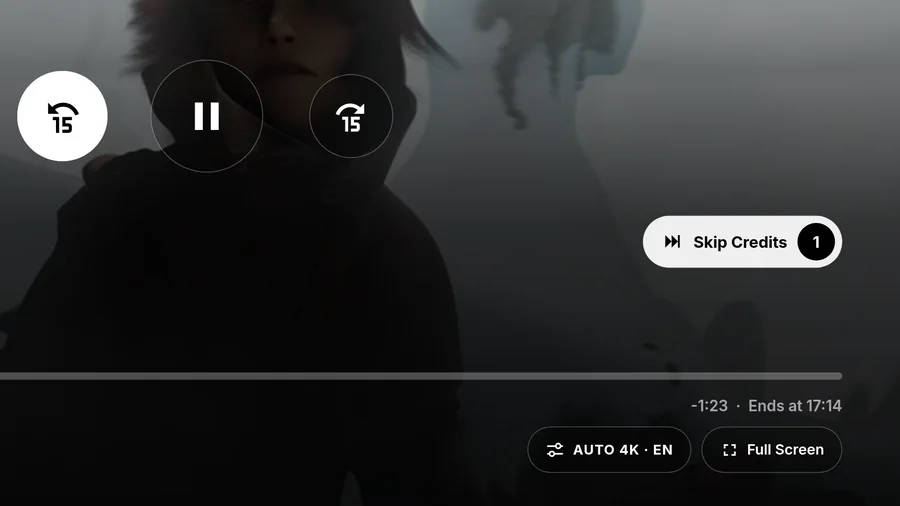
Dubbed, original or subtitled: audio and subtitles follow your profile settings.
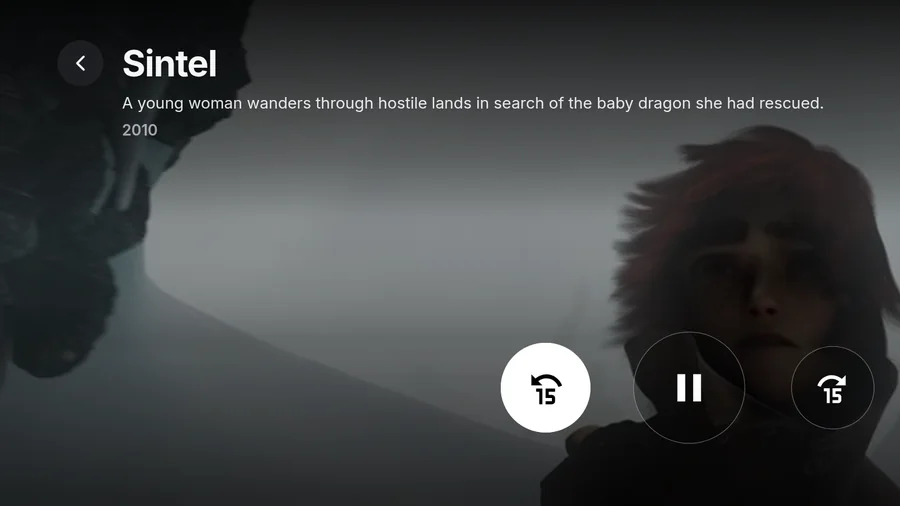
The title, season and synopsis appear at the top of the screen, along with the time it ends.
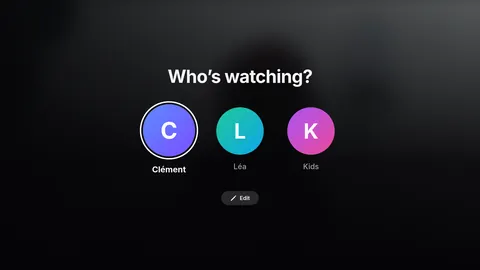
Who’s watching?
Each person gets their own list, progress, language and suggestions. Even on the living room TV.
Hide the languages, categories and channels you don’t care about. Turn off history whenever you like.
History
What you watch isn’t remembered: no saved progress, no history, no recent channels.
Episodes
Images and synopses of episodes you haven’t seen yet are hidden, so the surprise stays intact.
Catalog
Your catalog keeps only what you actually watch, on every screen of the app.
Languages, categories, channels
No ads, on Free or Premium.
One account, and your source follows you to every screen.
Every profile picks up exactly where it left off.
CTV+ doesn’t provide any channels or content: it plays the source you already have.
No ads either way. Try Premium free for 7 days.
€0
Watch your subscription on one device.
€1.99per month
or €14.99 per year, just €1.25 a month.
No commitment, cancel anytime from your app store. Content isn’t included: CTV+ plays the source you already have.
Get CTV+ from your device’s app store. One account, and your source follows you to every screen.
Your source, profiles, list and progress follow you from the TV to the Mac.
From the App Store or Google Play, depending on your device.
Create your CTV+ account. On a TV, just scan a QR code with your phone.
Xtream Codes or M3U. Your catalog loads, and your other devices pick up the source too.
No, and it never will be. CTV+ is a player: it doesn’t provide any channels or content, and only shows what’s in the subscription you already have. You need your own source.
Yes, on the App Store and Google Play.
iPhone, iPad, Apple TV and Mac through the App Store. Android phones, Google TV and Android TV through Google Play. Samsung (Tizen) and LG (webOS) TVs aren’t supported at the moment.
Xtream Codes and M3U. The experience is optimized for Xtream: movies and series with a TMDB ID get their full title page, including poster and synopsis.
Yes, a CTV+ account connects all your devices: your source, profiles, list and progress follow you from the TV to the Mac. You can also explore the demo without an account.
CTV+ is free on one device, with one source and one profile. Premium unlocks all your devices, profiles, favorites and customization for €1.99 per month or €14.99 per year, with a 7-day free trial. No ads, on Free or Premium.
Email us at contact@ctvplus.app with your device and the app version, shown in Settings › About. Subscriptions, including management and refunds, are handled in your app store settings: App Store or Google Play.
Need help? Email us at contact@ctvplus.app
or join the community on Discord